


Device Management Features
Device Management - Experience a refined approach to workforce management with powerful tools.
Device Management
Connecting to your Device
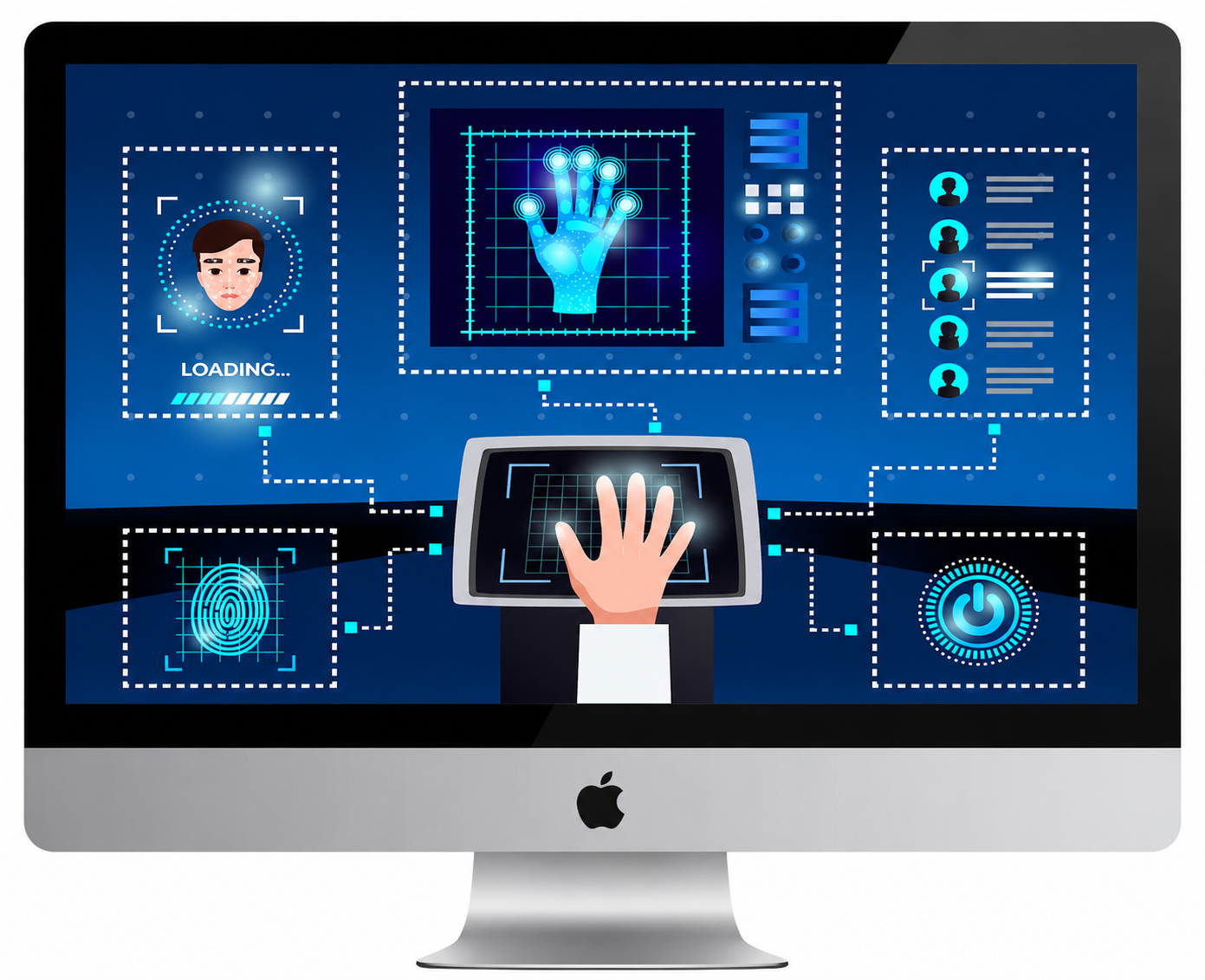
Our biometric system leverages advanced biometric technology to automatically identify, verify, and authenticate individuals with speed and accuracy. Designed for maximum reliability, it operates seamlessly in both online and offline modes, with built-in storage to securely retain attendance and authentication data even during network interruptions.
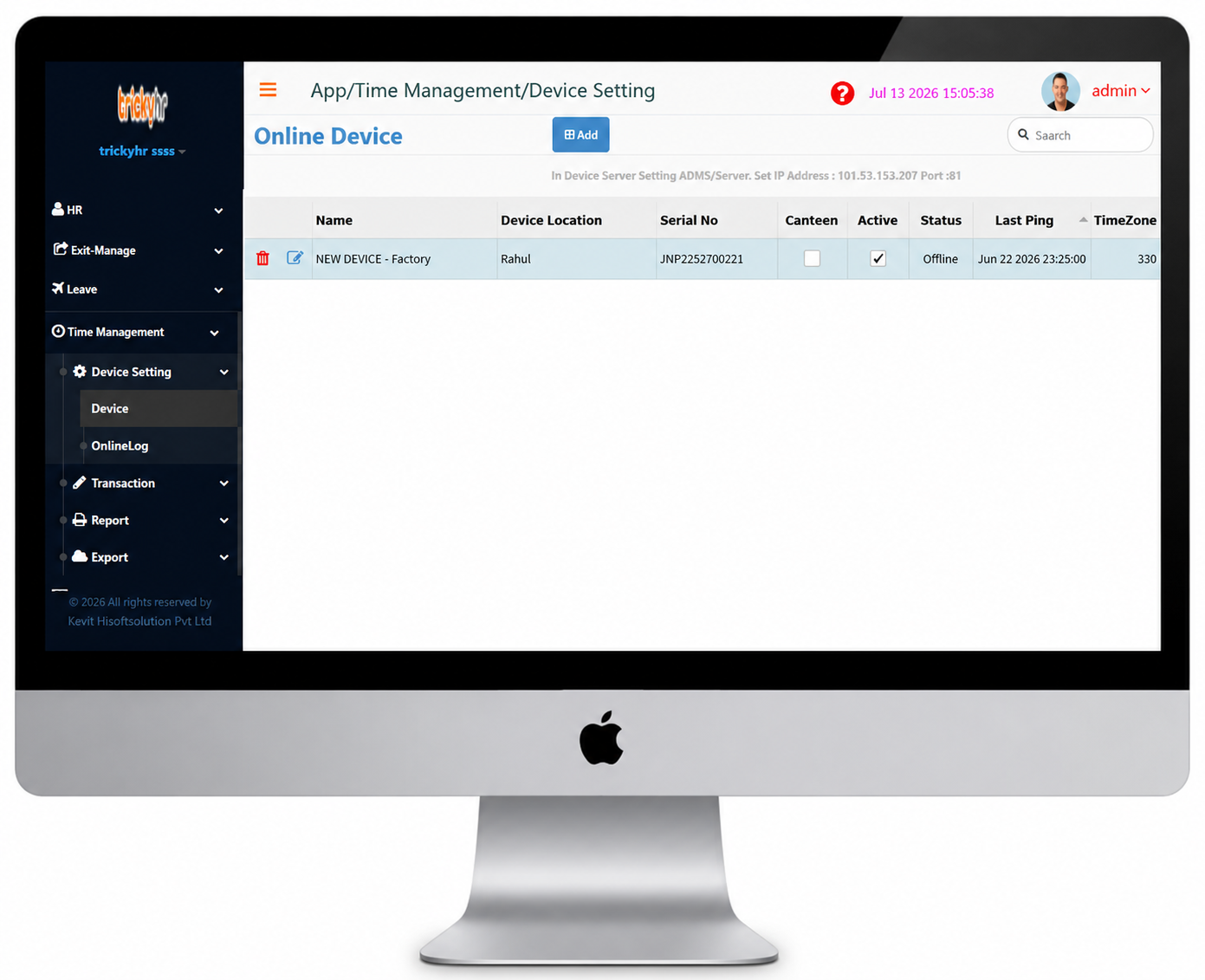
- Connect your attendance device to the system using a Serial cable or TCP/IP to enable real-time communication and data management.
- Open the Device Menu and click Add to configure a new device.
- Enter the device name, select the device type, and provide the serial number to register the device.
- Select the appropriate connection type for the device.
- Click Test Connection to verify the device connectivity, then click OK to save the settings.
Device Management
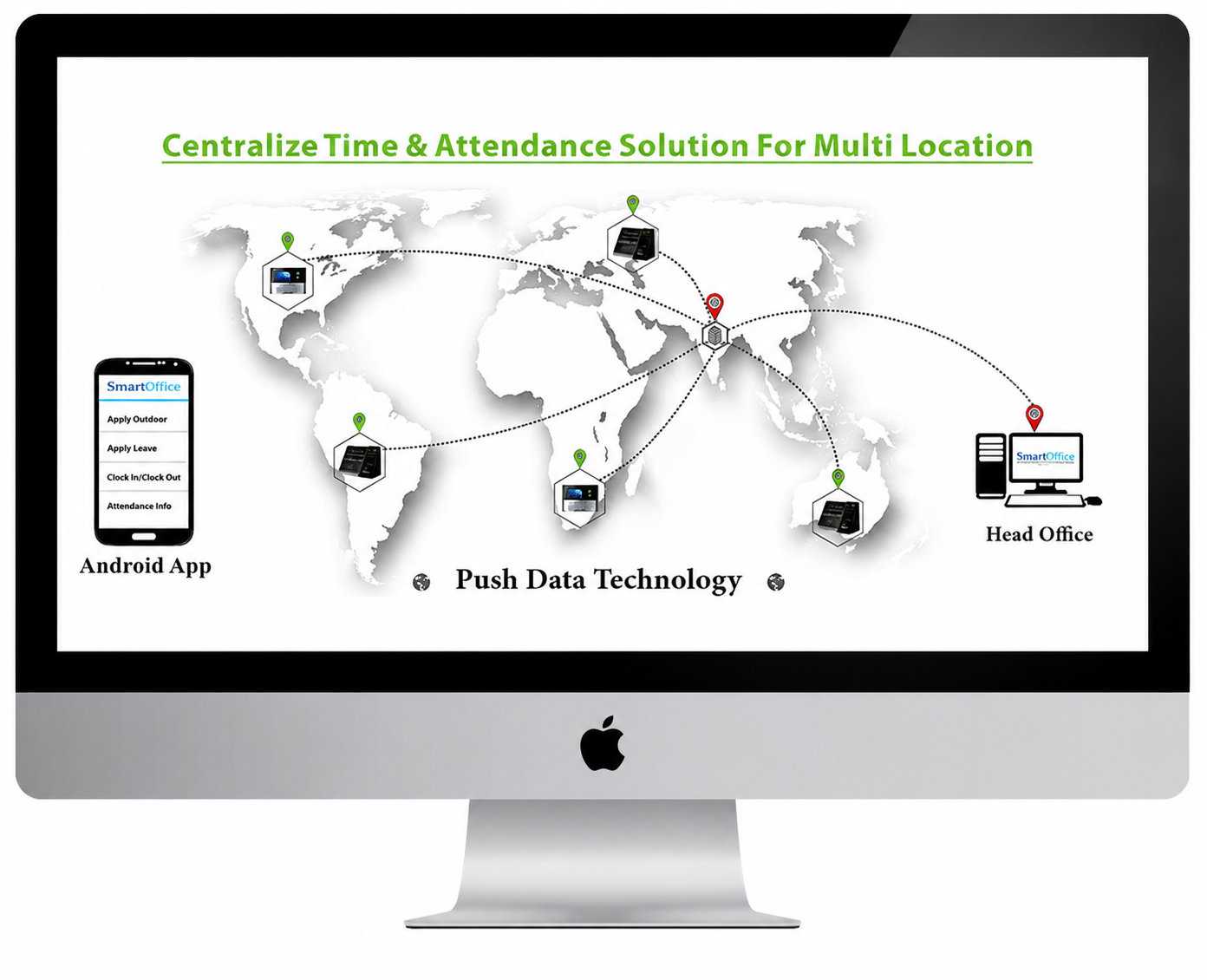
Attendance System for Multi Locations (Push data)
- Monitor employee attendance across multiple locations with a centralized attendance management system.
- Organizations with multiple branches often face challenges in managing employee attendance and payroll data across different locations.
- Simplify multi-location attendance management with our reliable Push Data Technology, which automatically transfers attendance records to a centralized system.
- Push Data Technology enables centralized and efficient management of employee attendance and information across multiple locations.
Device Management
Features of Attendance System for Multi Locations
- Easily map and manage employees across multiple branches from a centralized platform.
- Manage all branch locations seamlessly with a single centralized server.
- No software installation required at client locations—access the system instantly through a centralized platform.
- Employee attendance data is updated instantly in the software whenever an employee punches in or out, enabling real-time monitoring across all locations.
- Cost-effective maintenance with reduced operational expenses.
Device Management
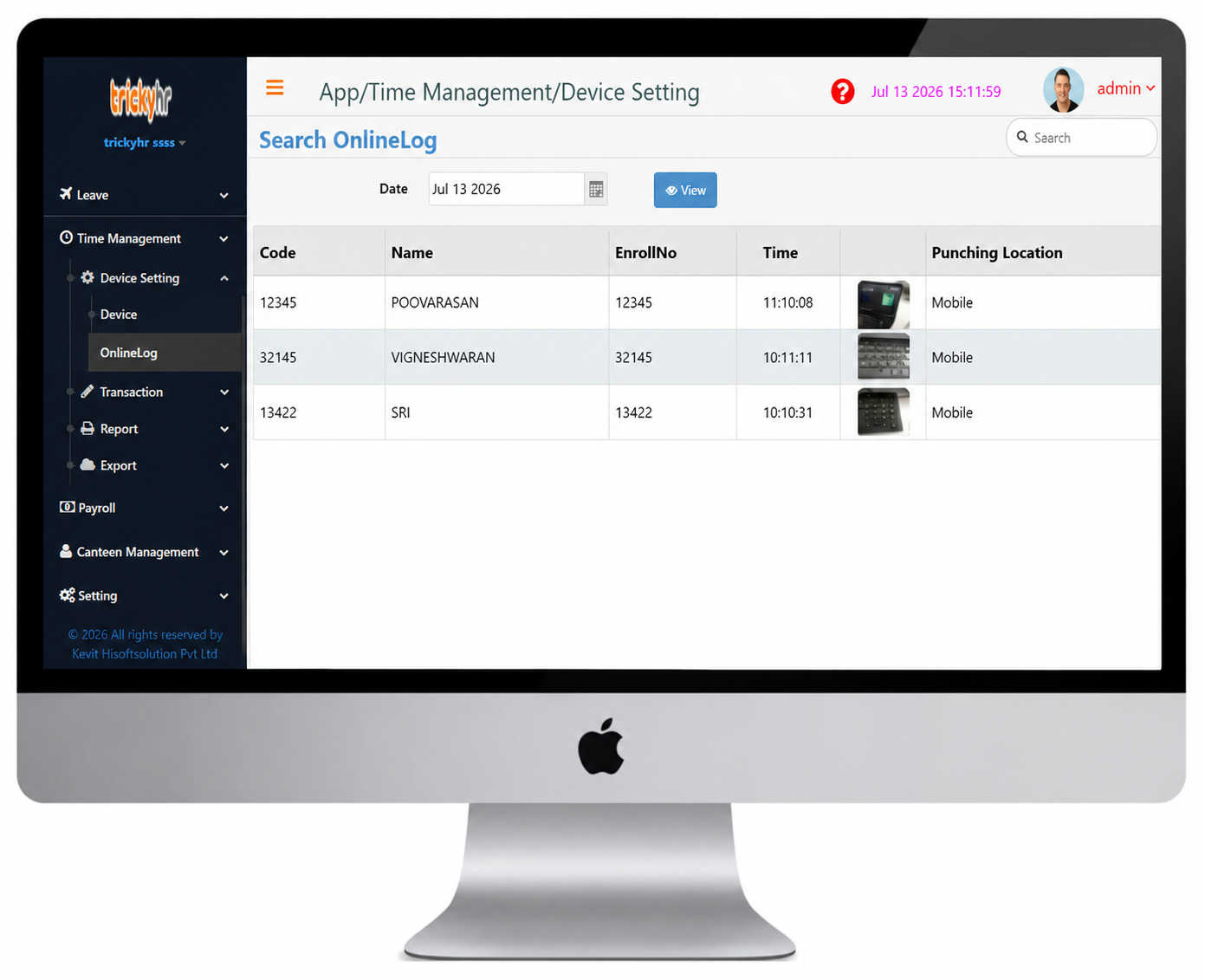
Search Online Log
- This menu provides a consolidated view of employee attendance records captured through both the mobile attendance application and biometric punching devices.
- Select the required date and click the View button to display the attendance records for the selected day.
- You can view employee attendance details, including the punching time and punching location, on this screen.